Primary Logo
The wordmark is Till’s signature. It is set in Ink or White, never redrawn, stretched or recolored. Pick the version with the strongest contrast against its background.





Till Brand Guidelines
One goal.
All the way.
Till takes ownership of your projects, does the work, and coordinates your team and other agents until it’s done. The brand says the same thing: calm, warm and always moving forward.
Everything here is built from a few parts: the wordmark, the pill, Paper and Ink, and the gradient. Combine them with the rules below and every piece stays Till.
Logo
The Till wordmark has a retro modernish letter structure: Art Deco type design, with a wink of our pill.
The pill becomes the material. Bold and unique, warm without being a cliché, thanks to its playful structure.
It draws on retro-optimism: 70s supergraphics, building blocks and early computing.
Primary Logo
The wordmark is Till’s signature. It is set in Ink or White, never redrawn, stretched or recolored. Pick the version with the strongest contrast against its background.
Clearspace
Clearspace is the minimum area around the logo that stays free of text, edges and image detail, so the wordmark always reads clearly.
It equals the diameter of the dot of the i, shown by the two circles in the diagram below.

Minimum Size
Below these sizes the counters close up. Switch from the wordmark to the icon instead of shrinking further.
Wordmark
42 px · 11 mm · site navigation

Icon
16 px · 5 mm · favicon
Icon
The icon is built from the L and I of the wordmark, rearranged to create a compact, character-like symbol.
Use it where the full wordmark doesn’t fit: app icons, avatars, favicons and merch. It is available in Ink or White only.
Primary Icon
Same rules as the wordmark: Ink or White, never redrawn, stretched or recolored. Pick the version with the strongest contrast against its background.


Clearspace
The icon keeps the same rule as the wordmark: a minimum area around it that stays free of text, edges and image detail.
It equals the diameter of the icon’s round shape, shown by the two circles in the diagram below.

App Icon
One tile: Paper, with the icon in Ink on its optical center. It stays the same on every platform, light or dark.
Color
Till is mostly Paper, Surface and Ink: warm, quiet and easy to read. Ink replaces black everywhere.
Four bright colors, Pool, Lime, Yolk and Gum, add energy in small doses.
Paper
Background
HEX: #F9F8F5
RGB: 249, 248, 245
Surface
Cards, inputs
HEX: #F1EFE5
RGB: 241, 239, 229
Ink
Text, logo, CTAs
HEX: #15110D
RGB: 21, 17, 13
Hairline
Borders, dividers
HEX: #6C5C3A · 15%
RGB: 108, 92, 58
Supporting Colors
Pool, Lime, Yolk and Gum add energy in small doses: the mascot, tags, social posts and merch.
Each one comes three ways: the material (the color on top, deeper toward the bottom) for the mascot and pills, the flat color for small marks, and the light tint for cards and highlights.
Pool
#009FE9 · #2C5EF4 · #2C68F4
Material
Lime
#8DDF00 · #5BBF05 · #82CA05
Material
Yolk
#FDC200 · #FD9800 · #FDB500
Material
Gum
#FF4BB1 · #FF4B6C · #F53884
Material
Pool
HEX: #009FE9
RGB: 0, 159, 233
Lime
HEX: #8DDF00
RGB: 141, 223, 0
Yolk
HEX: #FDC200
RGB: 253, 194, 0
Gum
HEX: #FF4BB1
RGB: 255, 75, 177
Light Pool
HEX: #B9E7F5
RGB: 185, 231, 245
Light Lime
HEX: #BDEE9D
RGB: 189, 238, 157
Light Yolk
HEX: #FADC7B
RGB: 250, 220, 123
Light Gum
HEX: #FEB2DD
RGB: 254, 178, 221
Proportions
Paper is the base. The gradient is the signature surface: about a quarter of a piece, on the large cards. Surface and white cards hold the content, Ink carries the words and the logo.
Supporting colors stay in small details, like a chat bubble or a tag.
50% Paper
25% Gradient
15% Surface
10% Ink
Product Colors
The app stays on Paper and Ink. Fields sit on a warm grey, buttons are materials: a light one for secondary actions, a warm Ink one for the main action.
Lines and separators are Ink at 10%. Blue marks links and mentions. Green, orange and red only carry status: done, needs attention, failed.
Background
HEX: #F9F8F5
Paper
Field
HEX: #EEECE5
Inputs
Light button
#FFFFFF · #F7F7F7 · #F5F5F5
Ink 16% edge
Primary button
#41382F · #15110D
Black 0.5px edge
Divider
Ink 10%
Lines, separators
Link
HEX: #246EFF
RGB: 36, 110, 255
Success
HEX: #14C400
RGB: 20, 196, 0
Warning
HEX: #F37F0A
RGB: 243, 127, 10
Error
HEX: #C40001
RGB: 196, 0, 1
Luc Chaissac
Enter your work email.
Iconography
Till icons start from Lucide, then get redrawn to match the brand: a heavier stroke, round ends and soft corners.
Corners follow the pill. Where two lines meet, the joint curves instead of meeting at a point.

Lucide
Till
Lucide


Till


Gradient
The gradient adds emotion. It is built from the Till icon itself: the shape is scaled up, blurred and laid over a soft Paper, Yolk and Pool glow, with a light grain on top.
It is the signature surface of the brand: hero, feature and closing cards. Headlines can sit on it in Ink, longer text goes in a white card on top. Drag the shape to find a new composition, pick a mood, then download the result.
Typography
Till uses Auto Grotesk, Family B.
Built to work in both print and digital.
Softens the clinical feel of contemporary sans serifs by translating ink squash and paper pressure into a smooth digital texture.

Big goals.
In motion.
Weights
Semibold for headlines and section titles, Medium for subheads and actions, Regular for text. Bold is kept for very large display lines.
Regular
Medium
Semibold
Bold
Hierarchy
The levels used on the Till landing. Headlines are short, in sentence case, and end with a period. All text is set in Ink at 100%.
Headline
Semibold · 60 / 64
Put your agent Till in charge.
Section title
Semibold · 44 / 55
Till is a new kind of agent.
Lead
Regular · 27 / 36
Till takes ownership of your projects and does the work.
Subhead
Medium · 25 / 28
It keeps going for weeks.
Body
Regular · 18 / 24
Till never drops the ball, adapts as things change, and keeps work moving without waiting for the next prompt.
Action
Medium · 18
Request Invite
Pill
The pill is the material of the brand, the same rounded block the wordmark is built from.
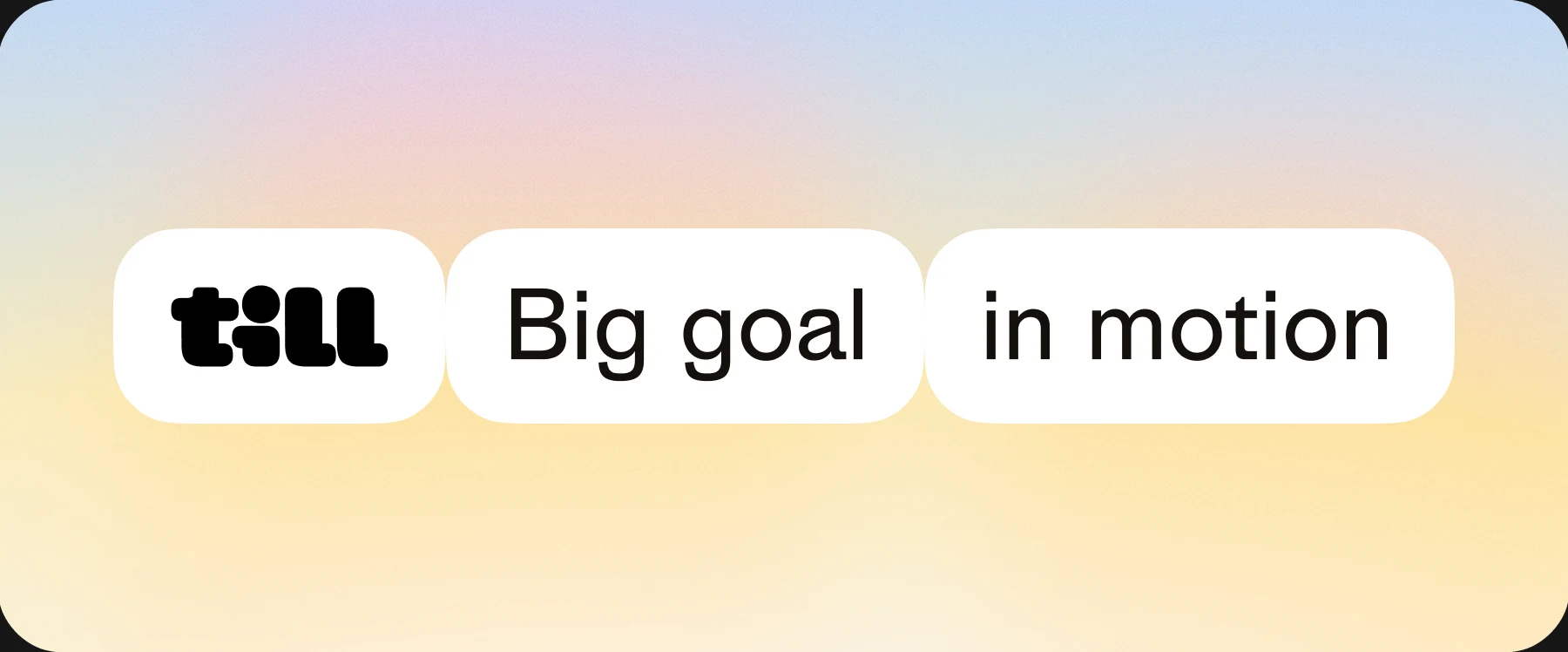
The till pill always comes first. Text pills follow it, edge to edge, one idea per pill: a section, a series, an address.
Construction
All pills scale proportionally, keeping the same proportions and consistent spacing around the text. Each pill adapts to the length of its word, and multiple pills can be combined in a row.
In the Interface
On screen, pills sit in a tray: a warm tint at 30%, 16px corners, 4px padding. Pills inside have 12px corners and touch each other.
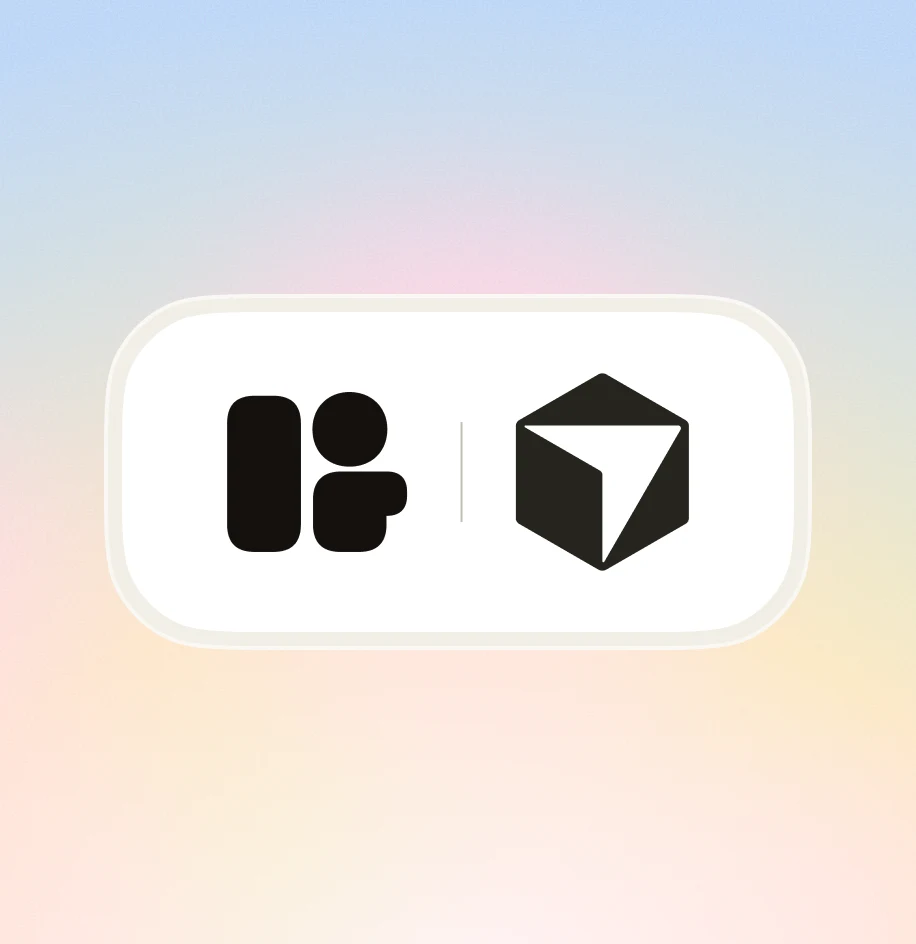
White pills are links, the Ink pill is the action. In the hero headline, the goal pill has two sides: the mascot on the front, the tool Till works in on the back, like Notion, Linear or Pitch. It turns as the goal changes.
ManifestoWhy TillNavigation
Field and action
Put your agent Till in
charge of  the offsite.
Goal pill: the mascot & the tool
Mascot
A rounded block with two eyes, in Pool, Lime, Yolk or Gum. It turns to show the tool Till works in, then comes back. Drag it to turn it, click it to make it react.
Use the mascot to create contrast, support the message and bring flow to the composition. Keep its presence subtle, never distracting or overused.
Layout
Every piece uses the same parts: one background, one headline in Semibold, the logo. Keep the margins generous and let the rest breathe.
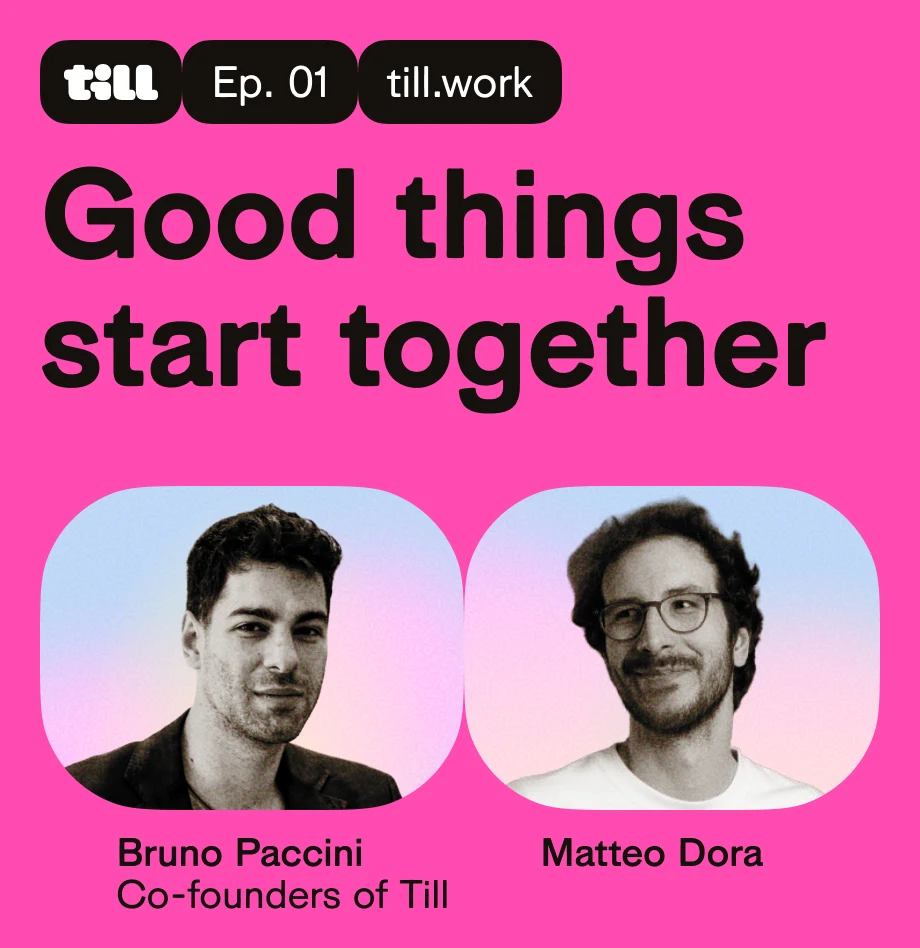
The examples below show the gradient, the typography and the pills living together. On the gradient, keep it simple; on a supporting color, open with a chain of Ink pills, then the headline.
Photography
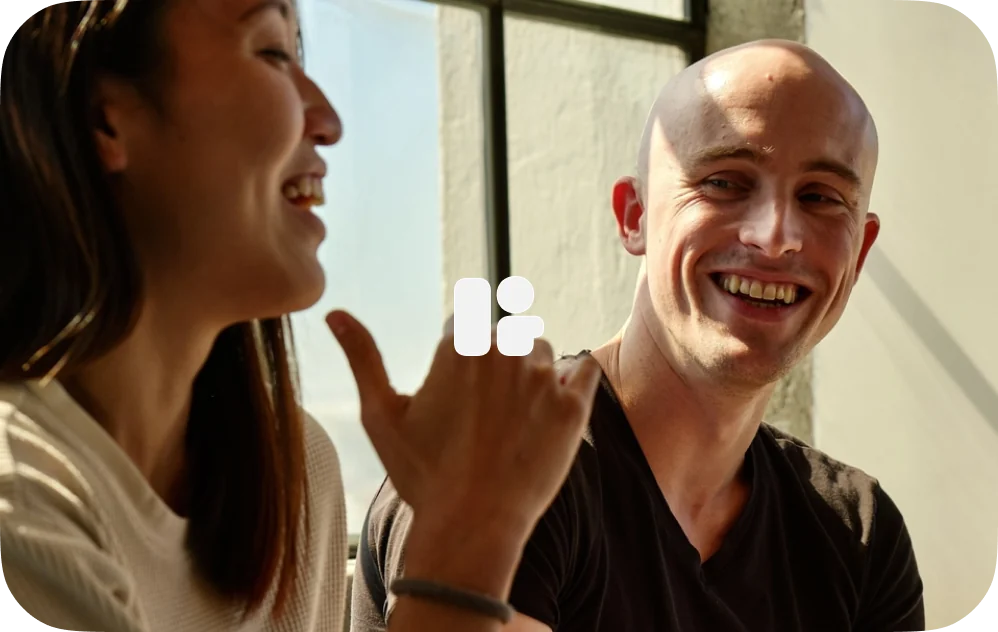
Customer photos: real people and real teams at work, shot in natural light. The focus stays on the people, their faces and what they are doing together.
The set grows as customers join, so this page will be updated over time. The icon can sit at the center as a touch point, never as a frame.
Merch
A short Till collection. Each piece comes with its placements, its artwork ready to send and its supplier blank.
Mockups and renders are previews, not templates. Sizes and production methods are confirmed with the supplier.
T-shirt
The icon small at the center of the chest. The back stays plain.
Keyring
The wordmark in Ink, raised on a White outline that follows its shape. No extra frame around it.
Resources
Google Slides, Figma libraries, motion assets, product screenshots, downloadable brand files, and more.